Product costs
Add, import, backdate and fix the cost of each product so COGS is right.
On this page
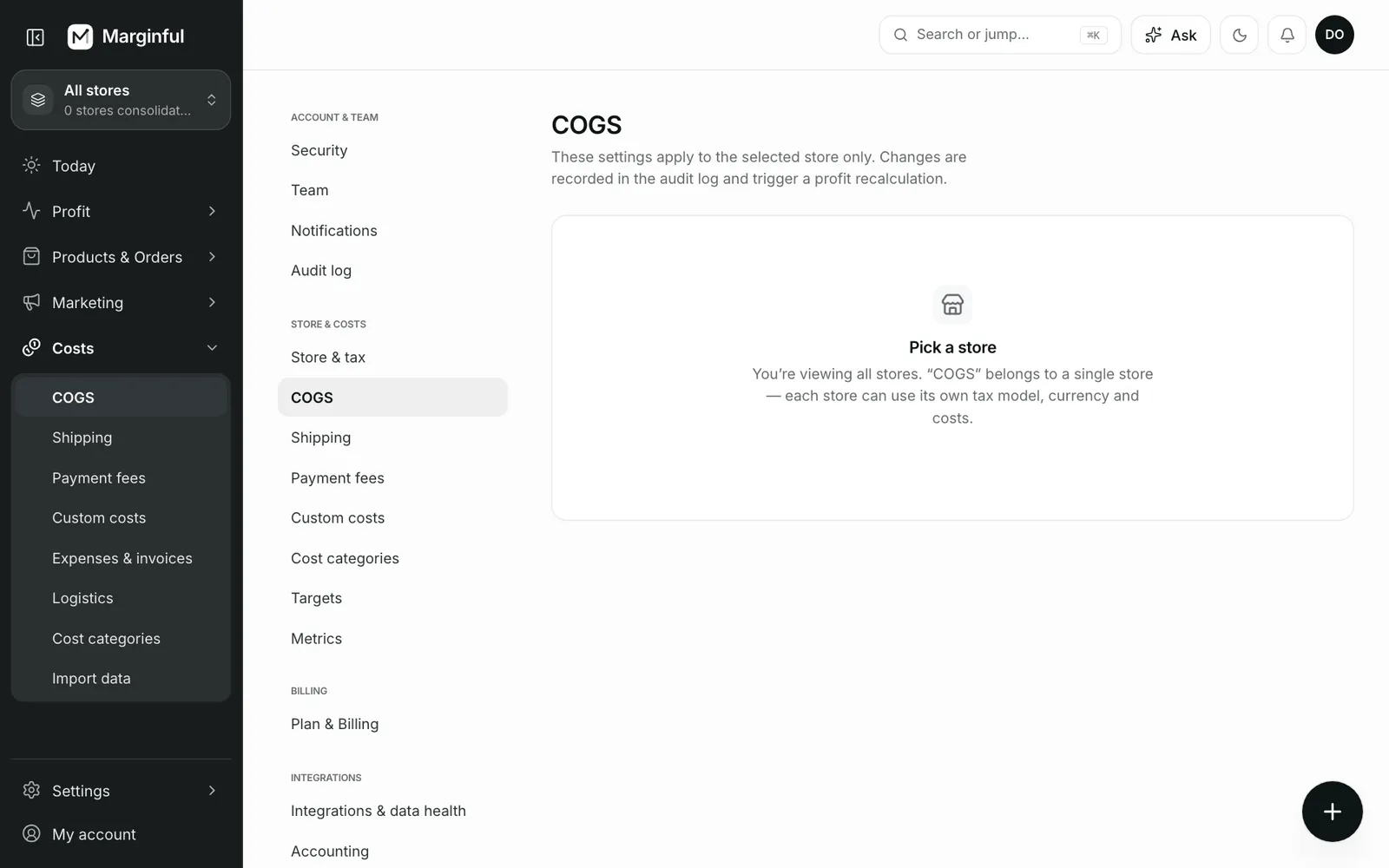
Product costs are the biggest driver of profit. Open Costs → COGS to see every variant and its current cost. Variants without a cost are listed first.
Note
If you have not added a cost in Marginful, the Cost per item you set in Shopify is used. The list marks these variants.
Add or change a cost
Find the variant
Search by product, variant or SKU in Costs → COGS.
Enter the cost
Enter the unit cost and its currency. Optionally add a supplier, notes, a destination country or a quantity break.
Choose when it applies
Effective from defaults to today. Saving adds a new row from that date; earlier rows stay in history.
Backdating recalculates past orders
If you set Effective from in the past, every order since that date is recalculated with the new cost. Marginful asks you to confirm first. History is kept: the row in force on that date is superseded, never deleted.
Optional cost details
| Field | Use it when |
|---|---|
| Country | A product costs you more to supply for some destinations. Leave blank for any country |
| Quantity break | Larger orders get a lower unit cost. The row applies when the line quantity is at least this number |
| Supplier, notes | You want a record of where the price came from |
Import many costs at once
Download the product-cost template, fill in Unit cost and upload it. Rows are matched by SKU, barcode or variant, and appended to history. Nothing is overwritten. See Smart import.
Bundles
A bundle's cost can come from its components: the sum of each component's cost × quantity, resolved for each order's date and destination. If the bundle variant has a cost of its own, that cost wins. You can also import bundle definitions from a CSV.
Fix past costs
If a supplier changed prices for a period and you entered it late, use Fix past costs. Choose the variants and the period, preview the effect on orders, COGS and net profit, then apply. Marginful writes effective-dated rows for exactly that period.
Recalculate everything
Cost edits recalculate affected orders automatically. Recalculate all profit recomputes every order in the store with today's cost history and rules, then refreshes customer figures and alerts. Use it after large changes.
Was this page helpful?