Get started
Install Marginful on Shopify, run your first sync and set up your costs.
Marginful turns every Shopify order into net profit: after product costs, shipping, payment fees, refunds, ad spend and the costs you add yourself. These pages take you from install to a profit figure you can trust.
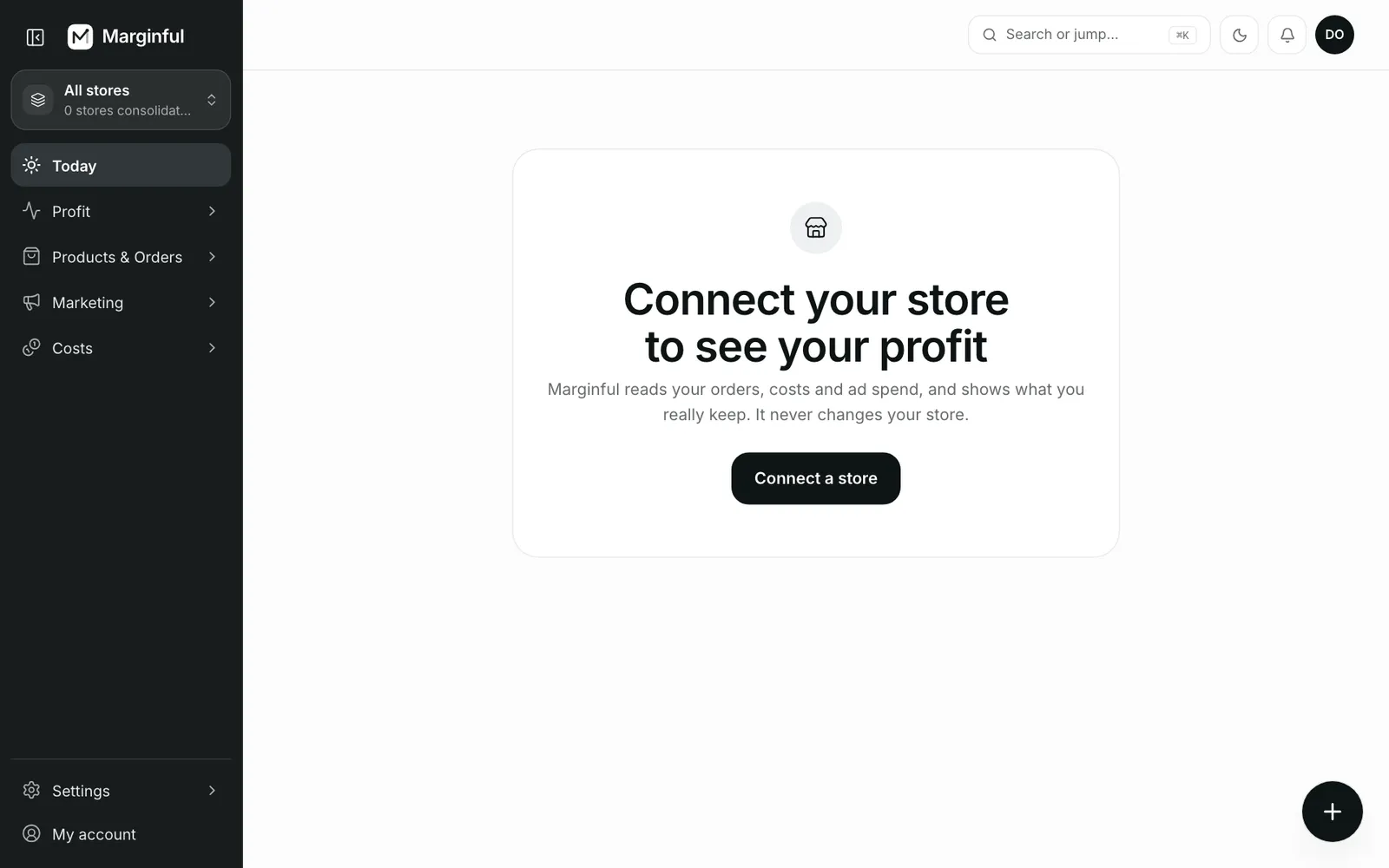
Install the app
Approve read-only access in Shopify. See Install Marginful.
Let the first sync finish
Products, orders, refunds and inventory come in. See Your first sync.
Work through setup
Tax, product costs, shipping, payment fees, ads and expenses. See Setup checklist.
Pick a plan
Start on Free and move up when you need more. See Plans and trial.
- Install MarginfulAdd Marginful to your Shopify store and approve read-only access.
- Your first syncWhat Marginful imports from Shopify, how far back it goes and how it stays up to date.
- Setup checklistThe setup steps that turn revenue into real profit, and the automatic setup option.
- Plans and trialThe Free plan, the paid plans and how to choose between them.